
Selecting a copier might seem straightforward, but the wrong choice can cost your business thousands in wasted consumables, excessive energy bills, and lost productivity. With dozens of models on the market, it pays to take a structured approach. This guide walks you through the key factors to consider before making a decision.
Assess Your Print Volumes
The first step is understanding how much you actually print. Many businesses overestimate or underestimate their volumes, leading to devices that are either over-specified and expensive, or under-specified and constantly breaking down. Mastercopy offers free print assessments that give you hard data on your monthly volumes, peak usage times, and the types of documents you produce.
As a rule of thumb, devices are rated with a recommended monthly volume and a maximum duty cycle. You want your actual usage to sit comfortably within the recommended range, not pushing the maximum. A device consistently running at its duty cycle limit will wear out faster and require more frequent servicing.
Mono or Colour?
If your business prints primarily text documents such as invoices, contracts, and internal memos, a mono (black and white) device will be significantly cheaper to run. Colour toner costs more per page, and colour devices tend to have higher acquisition costs. However, if you regularly produce marketing materials, presentations, or client-facing reports, the ability to print in colour may be essential.
Many businesses find that a combination works best: a high-volume mono device for everyday printing and a colour device for specific tasks. Mastercopy can help you design a fleet layout that balances cost and capability.
Speed and First Page Out Time
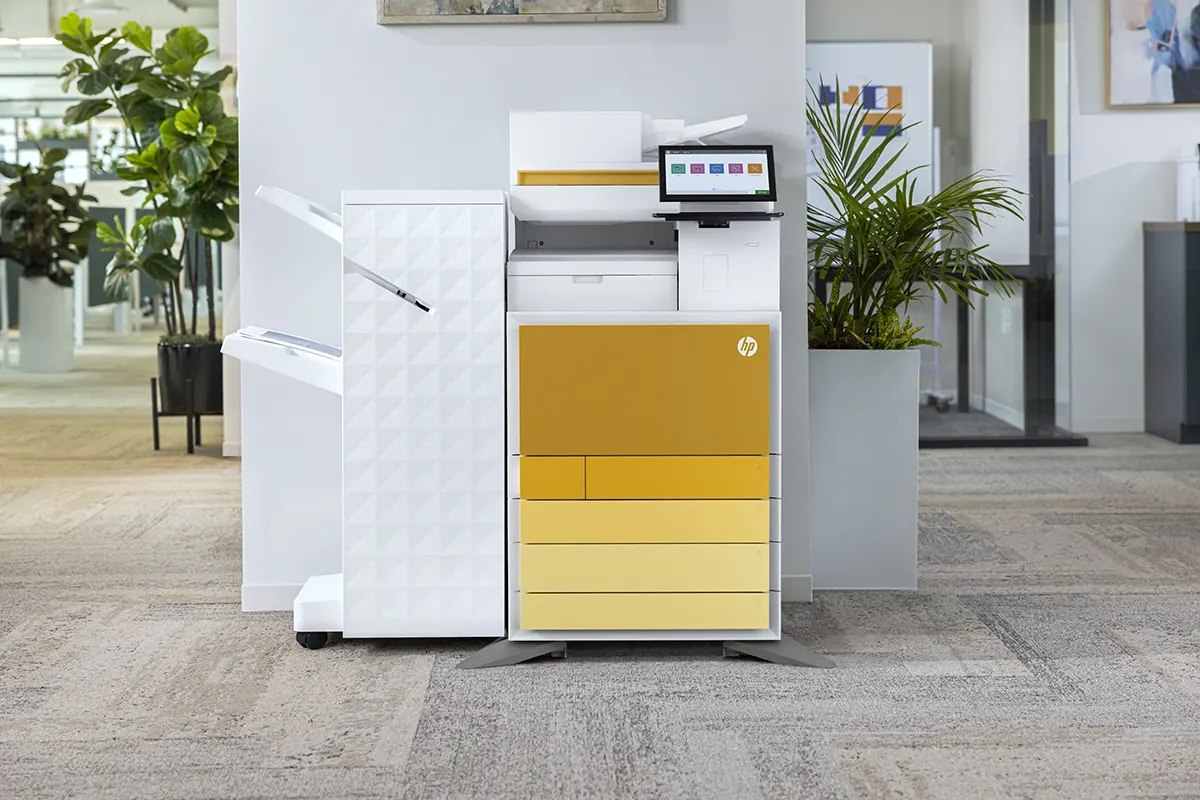
Print speed is measured in pages per minute. For busy offices, anything below 30 ppm can cause bottlenecks during peak periods. First page out time, the delay between sending a job and the first sheet appearing in the output tray, is equally important. Modern HP devices offer first page out times as low as 5 to 6 seconds, minimising wait times for users.
Paper Handling and Finishing
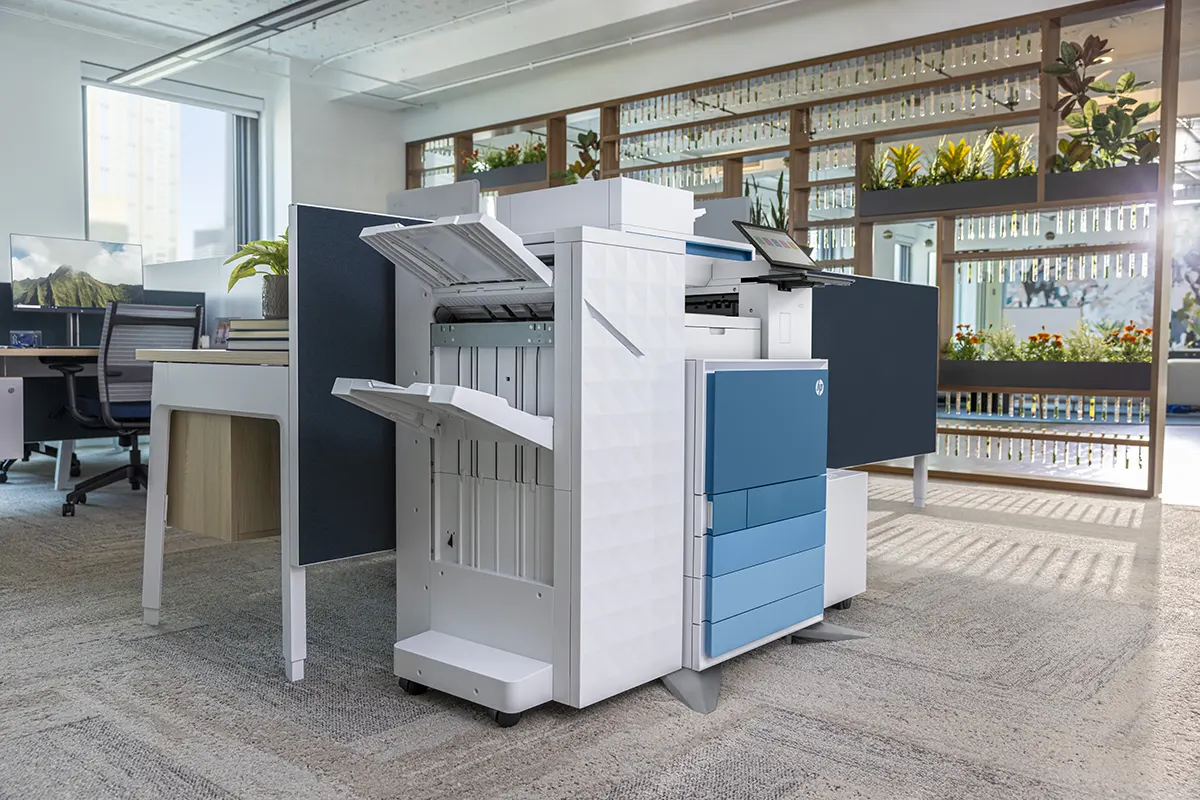
Consider how many paper trays you need and what sizes they should support. If you frequently print on A3 or legal-size paper, ensure the device accommodates these formats. Finishing options such as stapling, hole-punching, and booklet-making can save significant time compared to manual post-processing. These features are typically available as add-on modules for enterprise-class devices.
Security Features
Every networked copier is a potential entry point for cyberattacks. Look for devices with encrypted storage, secure boot, pull-print authentication, and automatic firmware updates. HP's Wolf Security platform provides hardware-enforced protection that operates below the operating system level, making it significantly harder for attackers to compromise the device.
Total Cost of Ownership
The purchase or lease price is only part of the equation. Factor in the cost of toner, maintenance, energy consumption, and potential downtime. A cheap device with expensive consumables may end up costing more over its lifetime than a premium device with lower running costs. Mastercopy's managed print agreements bundle all of these costs into a single predictable monthly payment, making it easy to compare options on a like-for-like basis.
Let Mastercopy Help You Choose
We have been helping businesses in Thornaby, Stockton-on-Tees, and across the UK choose the right copiers for over 20 years. Our team will assess your needs, recommend the best devices, and manage the entire deployment. Call 01642 750404 or email sales@mastercopy.co.uk to get started.